



When a storm, wildfire, flood, or power failure disrupts daily life, losing internet access can make an emergency more challenging. Connectivity helps people receive alerts, check weather updates, contact family members, access government information, and coordinate essential services. For households that rely on the internet for work, an outage can also interrupt important responsibilities.
Preparing alternative connections can reduce dependence on a single provider or network. Options range from smartphone hotspots to satellite internet, each with different equipment, coverage, and power requirements. The right backup internet connection depends on local network availability, the likelihood of power interruptions, and what you may need to do during an outage.

Why Prepare a Backup Internet Connection?
Home internet relies on several components working together. A broadband connection may depend on an external network, modem, router, and continuous power supply. If any part fails, household devices may lose access.
Common Causes of Internet Outages
Severe weather can damage cables, cell towers, and local power systems. Flooding may affect network equipment, while strong winds can disrupt electricity and telecommunications infrastructure.
Outages can also result from equipment failures, maintenance, network congestion, or damage to a provider's facilities. Mobile networks may remain available when home broadband is down, but widespread infrastructure damage can affect both.
What Connectivity Is Needed During an Emergency?
Essential online activities may include:
-
Receiving weather warnings and emergency notifications.
-
Contacting family members, neighbors, and emergency services.
-
Checking evacuation routes and local government updates.
-
Accessing medical information and essential documents.
-
Coordinating remote work or other critical responsibilities.
Consider which activities require internet access and which can be handled through phone calls or offline resources. This helps determine how much backup capacity your household needs.
Use Your Smartphone as a Mobile Hotspot
A smartphone hotspot is often the easiest backup to activate because it uses equipment you already have. When mobile data is available, your phone can share its connection with laptops, tablets, and other WiFi-enabled devices.
How a Mobile Hotspot Works
Enable the personal hotspot or mobile hotspot function in your phone settings. Other devices can then connect using the WiFi network name and password displayed on your phone.
No separate router is required, making this option useful for short outages or when only one or two devices need internet access. It can also provide connectivity away from home if you need to relocate.
Advantages and Limitations
The main advantage is convenience. Setup takes only a few steps, and there is no additional device to maintain.
However, performance depends on mobile coverage and your cellular plan. Data allowances may be limited, and some carriers restrict hotspot usage or reduce speeds after a usage threshold. Sharing a connection can also drain your phone battery quickly.
If an emergency damages nearby cell towers, your hotspot may stop working too. It is a useful immediate alternative, but not a completely independent connection.
Keep a Portable Mobile WiFi Device as Backup
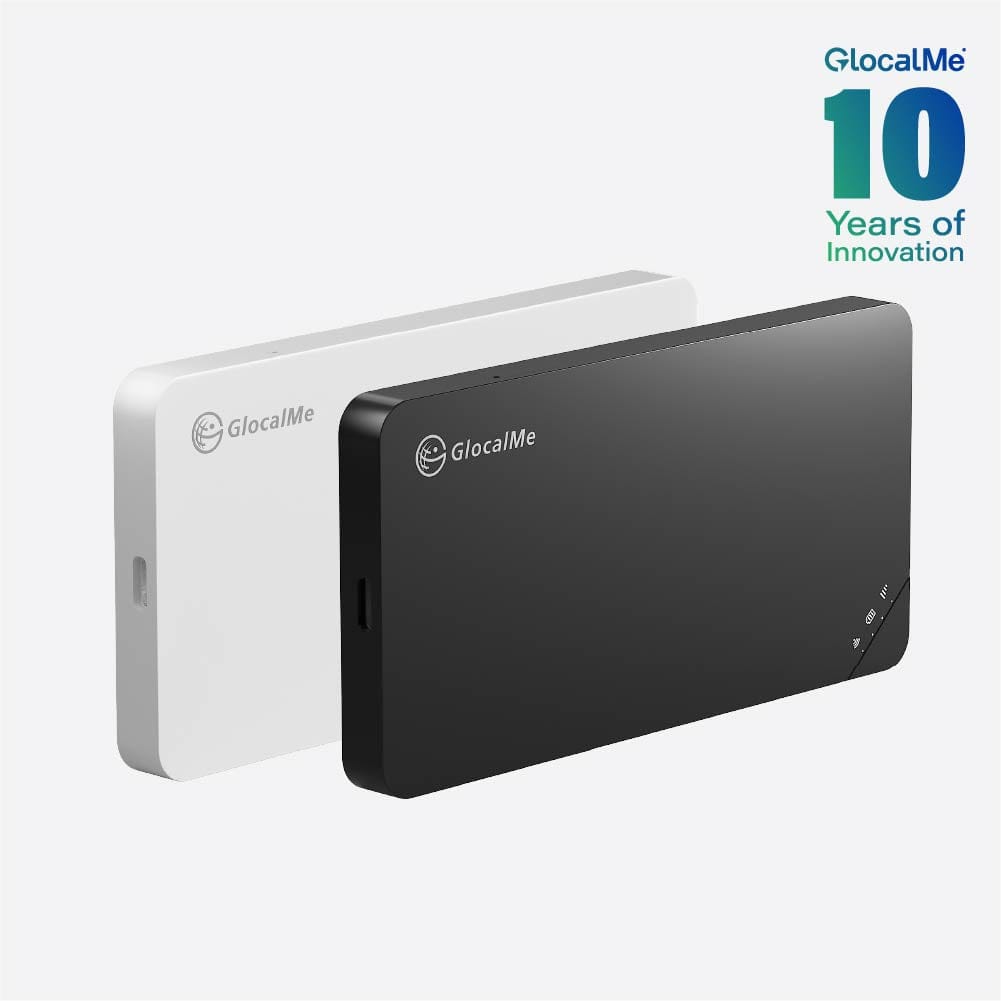
A portable mobile WiFi router provides another way to access cellular networks. Unlike a smartphone hotspot, it is a separate device designed to create a WiFi connection for multiple users.
How Portable WiFi Provides Connectivity
The device connects to a supported mobile network and shares that connection with nearby phones, computers, and tablets. Depending on the model, it may support multiple devices and include a rechargeable battery. This can help households connect several devices while preserving smartphone battery life during an outage.
What to Consider Before Choosing One
Check which mobile networks the device supports and whether coverage is reliable in your area. Some models support multiple network options, but this does not guarantee service if local infrastructure is damaged.
Also review battery capacity, charging methods, supported frequency bands, and data costs. A rechargeable battery can keep the device running during a short power outage, but it will eventually need to be charged.
For longer emergencies, keep a charged power bank or compatible power source available. Check whether the router can operate while charging and how long its battery lasts under typical use.
Arrange a Secondary Broadband Connection
Households that depend heavily on home internet may consider maintaining a second broadband service. This could come from another provider or use a different access technology, such as cable, fiber, or fixed wireless.
When a Second Provider Helps
A secondary connection can provide continuity when the primary provider experiences a localized outage. If one provider's equipment or network route fails while another provider's infrastructure remains operational, switching connections may restore access.
This option can be useful for home offices, businesses, and households that rely on consistent connectivity.
Understand the Risk of Shared Infrastructure
Two broadband subscriptions do not necessarily mean two independent connections. Providers may share utility poles, conduits, or other local infrastructure. A major storm or regional outage could affect both services.
A second connection also involves subscription costs and compatible equipment. If its modem and router depend on household electricity, it will not work during a power failure without backup power.
Before paying for another service, ask providers about infrastructure independence and local outage resilience.
Consider Satellite Internet in Areas With Limited Coverage
Satellite internet can provide connectivity where terrestrial broadband and mobile networks are limited. It may be relevant for rural households, remote properties, and areas where storms frequently damage ground-based infrastructure.
How Satellite Internet Works
A satellite internet system uses an outdoor antenna or terminal to communicate with satellites in orbit. The terminal connects to indoor networking equipment, which distributes the connection to household devices.
Because it does not rely on a local cable running directly to the property, it can offer an alternative when nearby ground infrastructure is unavailable.
Equipment and Power Requirements
Satellite internet generally requires a compatible terminal, a clear view of the sky, and a reliable power source. Installation requirements vary by provider.
A battery backup or suitable generator may be necessary during extended power interruptions. Severe weather, obstructions, and network capacity can also affect service. Check availability, equipment costs, and subscription terms before choosing this option.
Satellite internet is not automatically the best emergency solution. Its suitability depends on location, installation requirements, and the duration of outages you are preparing for.
Compare Different Backup Internet Options
Each connection type addresses different needs. Comparing their dependencies can help identify the most practical option for your household.
| Option | Main network dependency | Equipment | Suitable for |
| Smartphone hotspot | Cellular network | Smartphone | Short outages and basic access |
| Portable mobile WiFi | Cellular network | Portable router | Multiple devices and shared access |
| Secondary broadband | Separate provider or infrastructure | Modem and router | Households needing more consistent home connectivity |
| Satellite internet | Satellite service | Satellite terminal and router | Remote areas with limited terrestrial coverage |
Prepare for Power and Network Disruptions
Choosing a backup service is only part of emergency planning. Equipment must stay powered, connection details must be accessible, and essential information should not depend entirely on internet access.
Keep Backup Equipment Charged
Charge smartphones, portable routers, and power banks regularly. If your home broadband equipment needs electricity, consider an uninterruptible power supply (UPS) for the modem and router. Check its capacity and expected runtime, as some units cannot power networking equipment for extended periods.
For longer outages, a generator or other suitable backup power system may be necessary. Follow manufacturer instructions and applicable safety guidance.
Save Essential Information Offline
Download offline maps, emergency contacts, travel information, and important documents in advance. Keep critical phone numbers accessible in case your devices cannot connect to the internet.
Also identify local emergency information sources, such as battery-powered radios and official alert systems. Internet access is valuable, but it should not be your only way to receive urgent instructions.
Test Your Backup Connection
Do not wait until an emergency to discover that a device is incompatible, a data plan has expired, or a router cannot connect in your area.
Test your equipment periodically. Check network coverage, data availability, passwords, charging cables, and battery performance. If you maintain a secondary broadband service, make sure switching between connections is straightforward.
Choose a Backup Internet Plan That Fits Your Location
The most suitable backup internet options depend on the risks your household faces. Where cellular coverage is reliable, a smartphone hotspot or portable mobile WiFi device may be sufficient for short interruptions. Households that depend on broadband for essential work may benefit from a second provider, while remote properties may need satellite internet.
Power availability is equally important. A mobile connection may remain accessible during a brief outage if your phone or router is charged, but extended blackouts require a more deliberate power plan. Where storms can damage both electricity and telecommunications infrastructure, combining different connection types may provide greater resilience.
Understanding what to do when internet is down starts with preparing before an outage occurs. Identify essential communication needs, check which networks operate independently in your area, and keep equipment powered and ready. A practical backup internet connection cannot prevent every disruption, but it can help you access important information and stay connected when your primary service goes down.


